
Custom Software
If your business runs on spreadsheets, WhatsApp messages and a shared inbox, this is the page for you. We build one system that replaces all of it.

Software shaped around your business — not your business reshaped around software.
Off-the-shelf software makes you work its way. That is fine until the day you are paying for five tools, none of them talk to each other, and someone is copying numbers between them by hand every Friday. That copying is where the errors, the lost orders and the wasted hours come from.
We build one system that does what your team already does, in the order they already do it — but without the retyping. Everyone sees the same up-to-date information, the reports build themselves, and the jobs that used to need a reminder now happen automatically.
What you get
- One place for your customers, jobs, orders and stock
- Different logins for different roles — staff see only what they should
- Reports and dashboards that update themselves, no exporting required
- Automatic emails, reminders and invoices instead of manual chasing
- Connections to the tools you keep — Stripe, Xero, QuickBooks, Shopify and others
- Your existing spreadsheet data imported, not retyped
We usually start with the single most painful process. It pays for itself before we build the rest.
What We Build Most Often
Your system will normally combine two or three of these.
Customer & Sales Tracking
Every enquiry, quote and follow-up in one list, so nothing goes cold because someone was on holiday.
Job & Order Management
Track a job from enquiry to invoice: who is doing it, what stage it is at, and what is overdue.
Stock & Inventory
Live stock levels across sites, low-stock alerts and purchase orders that write themselves.
Reports & Dashboards
The numbers you currently rebuild by hand each month, on one screen, updating live.
Automating The Repetitive Bits
Reminders, invoices, status emails and recurring tasks that fire on their own.
Joining Up Your Tools
Make your website, payment system and accounting software share data instead of duplicating it.
How A Software Project Runs
We build in stages so you get something usable early, not in twelve months.
We watch how you work now
A short session with the people doing the job. We map the current process, including the workarounds.
Week 1We pick the first slice
The one process costing you the most time. Building that first means the system earns its keep early.
Week 2We build it and you use it
Your team is in the real system within weeks, telling us what to change while we build the next part.
Weeks 3–12We move your data in and train
Existing spreadsheets imported, staff trained, old tools switched off.
On go-liveHow Big A Project Are You Thinking Of?
We quote by what the system replaces. If it will not save you more than it costs, we will tell you.
One Process
Best for: fixing the single worst bottleneck
One workflow built properly — job tracking, bookings or stock — with logins and reporting.
Full Business System
Best for: replacing several tools at once
Customers, jobs, stock, invoicing and dashboards in one place, with roles for each team.
Integration Project
Best for: tools that will not talk to each other
Connect your website, payments, accounts and stock so data flows automatically between them.
Hosting, backups and ongoing support are quoted separately as a monthly plan, so you can see exactly what the running cost is before you commit.
Request a free quoteSystems We Have Built
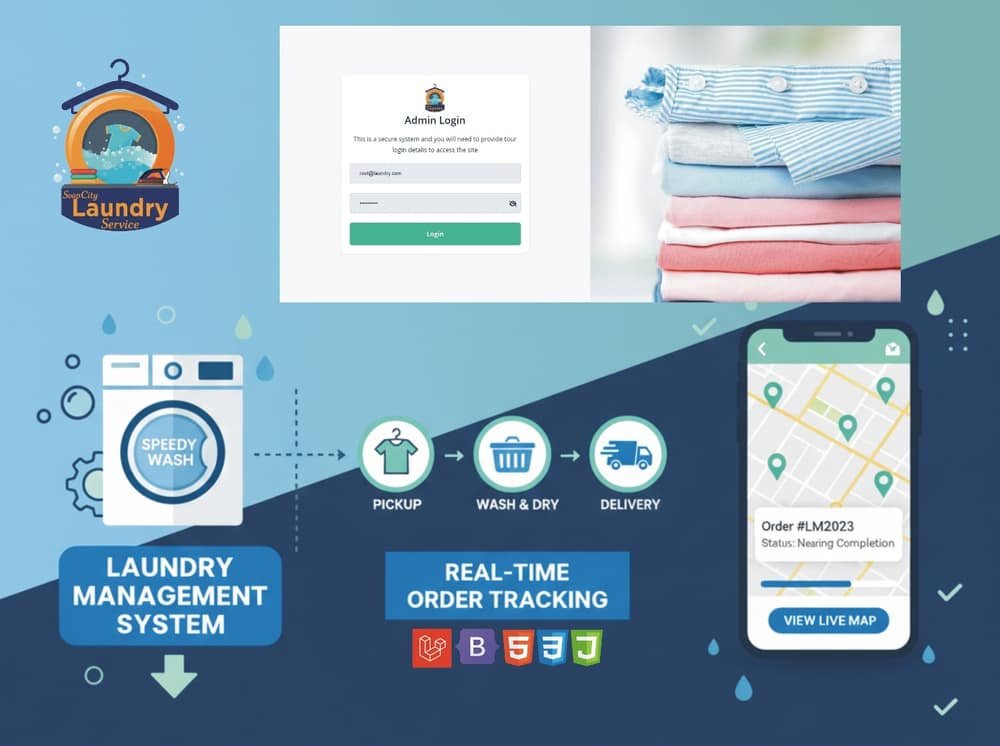
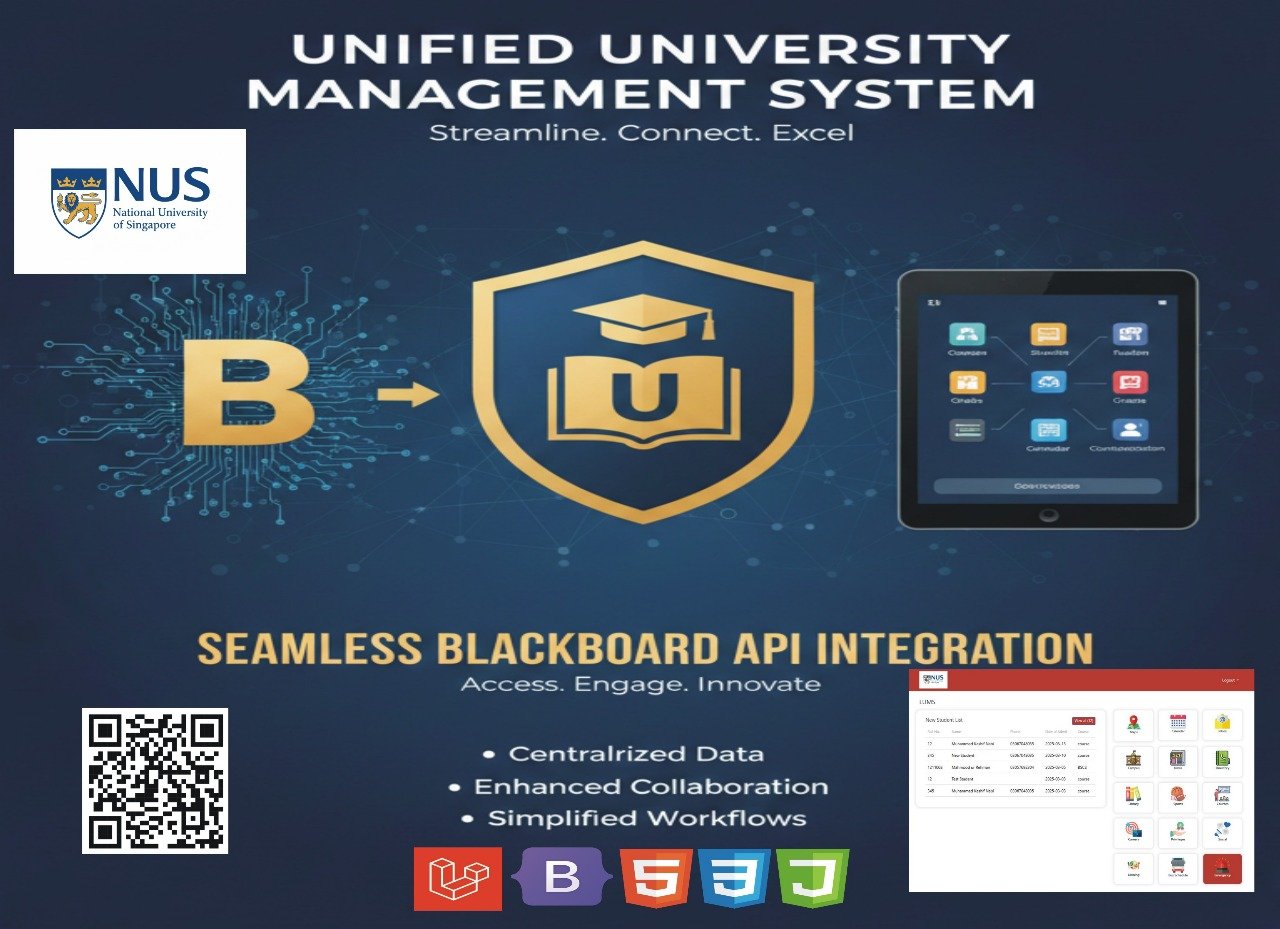
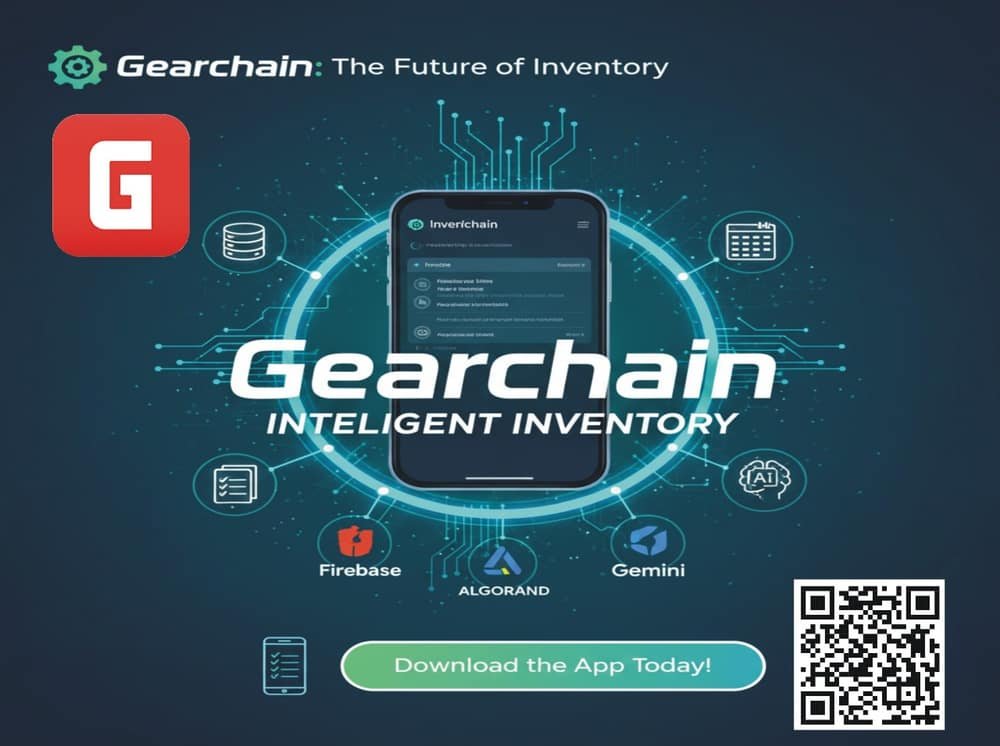
Three businesses that stopped running on spreadsheets.
Custom Software Questions
The honest answers, including when you should not buy custom software.
Why not just buy off-the-shelf software?
Often you should, and we will say so. Off-the-shelf wins when your process is standard. Custom wins when you are paying for several tools that do not connect, when the standard tool forces you to work in a way that costs you money, or when your process is the thing that makes you competitive.
How long before we can use it?
Usually four to six weeks for the first working piece. We build one process at a time and put it in front of your team straight away, rather than disappearing for six months and hoping we guessed right.
What happens to the data in our spreadsheets?
We import it. Cleaning and moving your existing customer, stock or job data across is part of the project — nobody on your team retypes anything.
What if we need changes after it is finished?
That is the point of custom software: it can change when your business does. Small changes are covered by the monthly support plan; larger new features are quoted separately, and you decide whether they are worth it.
Where does our data live, and is it safe?
On UK or EU servers of your choosing, with encrypted connections, daily backups and role-based access so staff only see what they need. If you handle personal data, we build to GDPR requirements as standard.
What if we stop working with you?
You keep everything — the code, the database, the hosting accounts and the documentation. Any competent developer can pick it up. We build to standard tools and conventions specifically so you are never trapped.
Stuck doing things by hand?
Describe the process that wastes the most time each week. We will tell you what it would take to automate it — and whether it is worth doing.
Get a Free Quote WhatsApp Us